top of page
DOMINIQUE YI
GRAMMARLY
Grammarly makes sure everything you type is easy to read, effective, and mistake-free. Adding Grammarly to Chrome means that your spelling and grammar will be vetted nearly everywhere you write on the web.
Grammarly: CV

WHERE TO ACCESS
Open Google Chrome Browser
From your Google Chrome Browser, go to this link: Grammarly for Chrome - Chrome Web Store
Click "Add to Chrome" blue button in the upper-right hand corner.
After Grammarly is successfully added, sign up to enjoy full-range of Grammarly's features.

Grammarly: CV
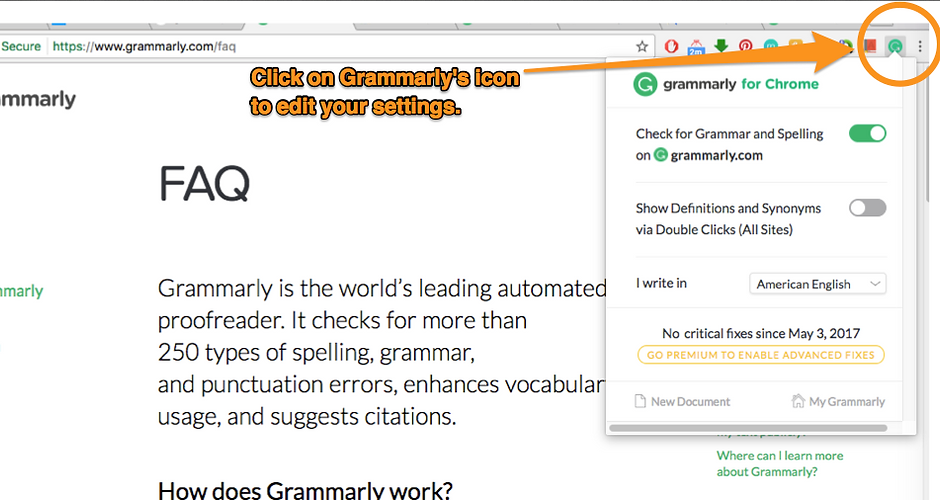
EDIT SETTINGS
Grammarly: About

That's it! Test out Grammarly's magic in your next email.
More Tips & Tutorials here: Grammarly Support
Grammarly: Headliner
bottom of page